
.avif)
Medical students have long learned anatomy from the same basic toolkit: textbooks, plastic models, and limited hours in the cadaver lab. That approach worked for generations, but it leaves gaps—especially when it comes to understanding how structures actually relate to each other in three-dimensional space.
Virtual anatomy platforms are changing what's possible. This guide covers how 3D anatomy software works, what features matter most for university programs, and how to evaluate whether a platform fits your curriculum.
What is anatomy software for universities
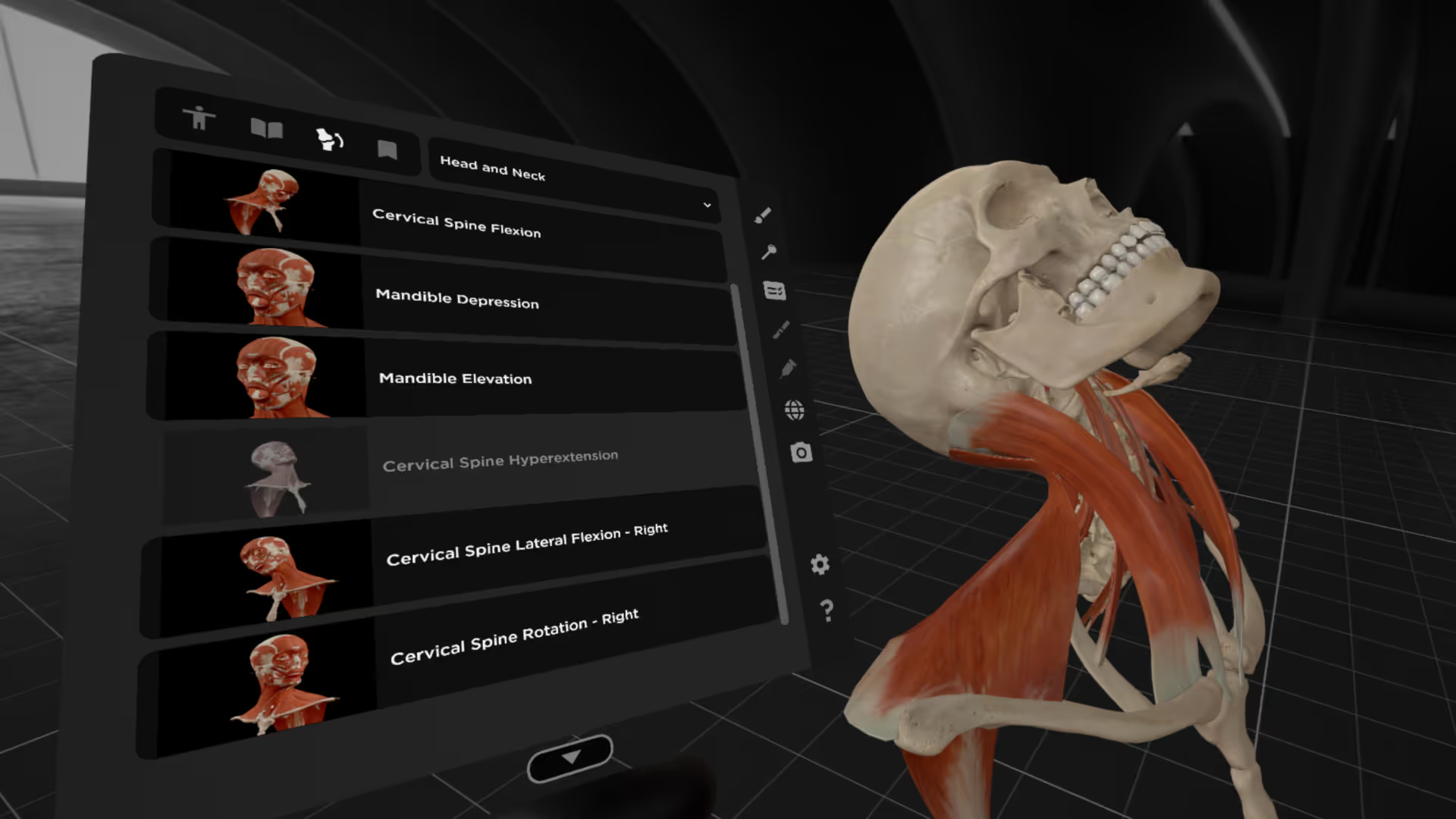
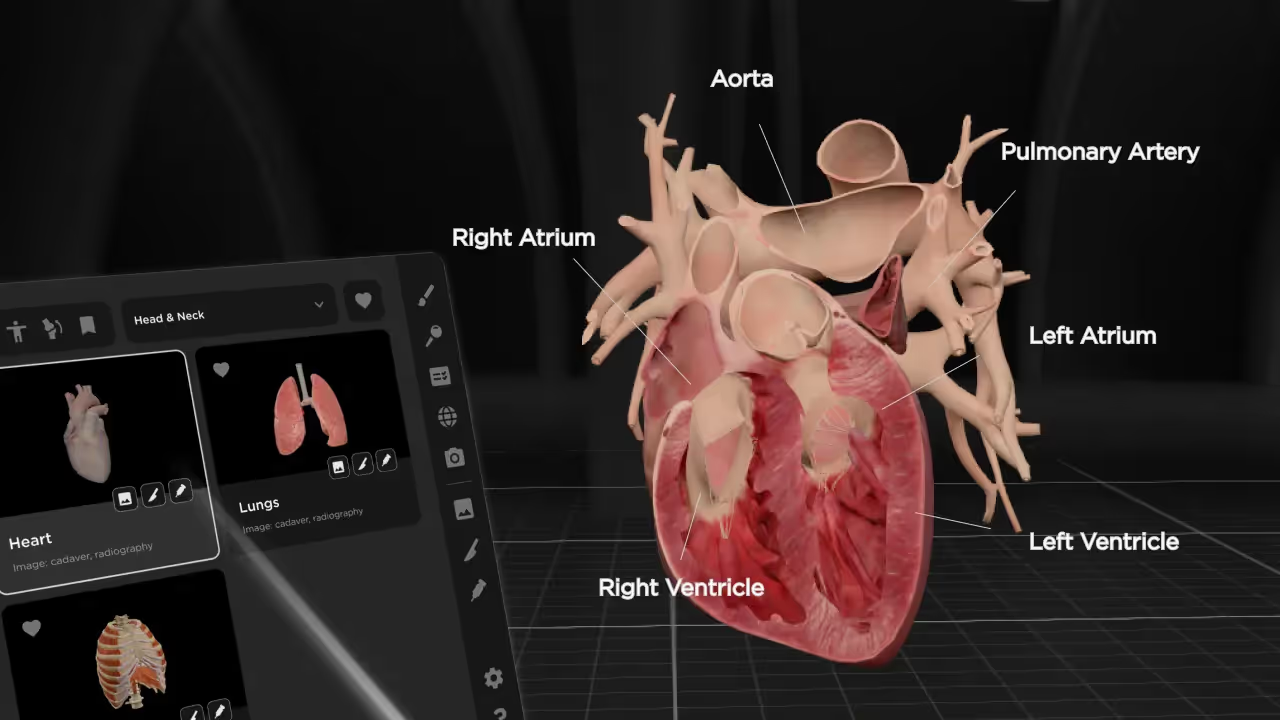
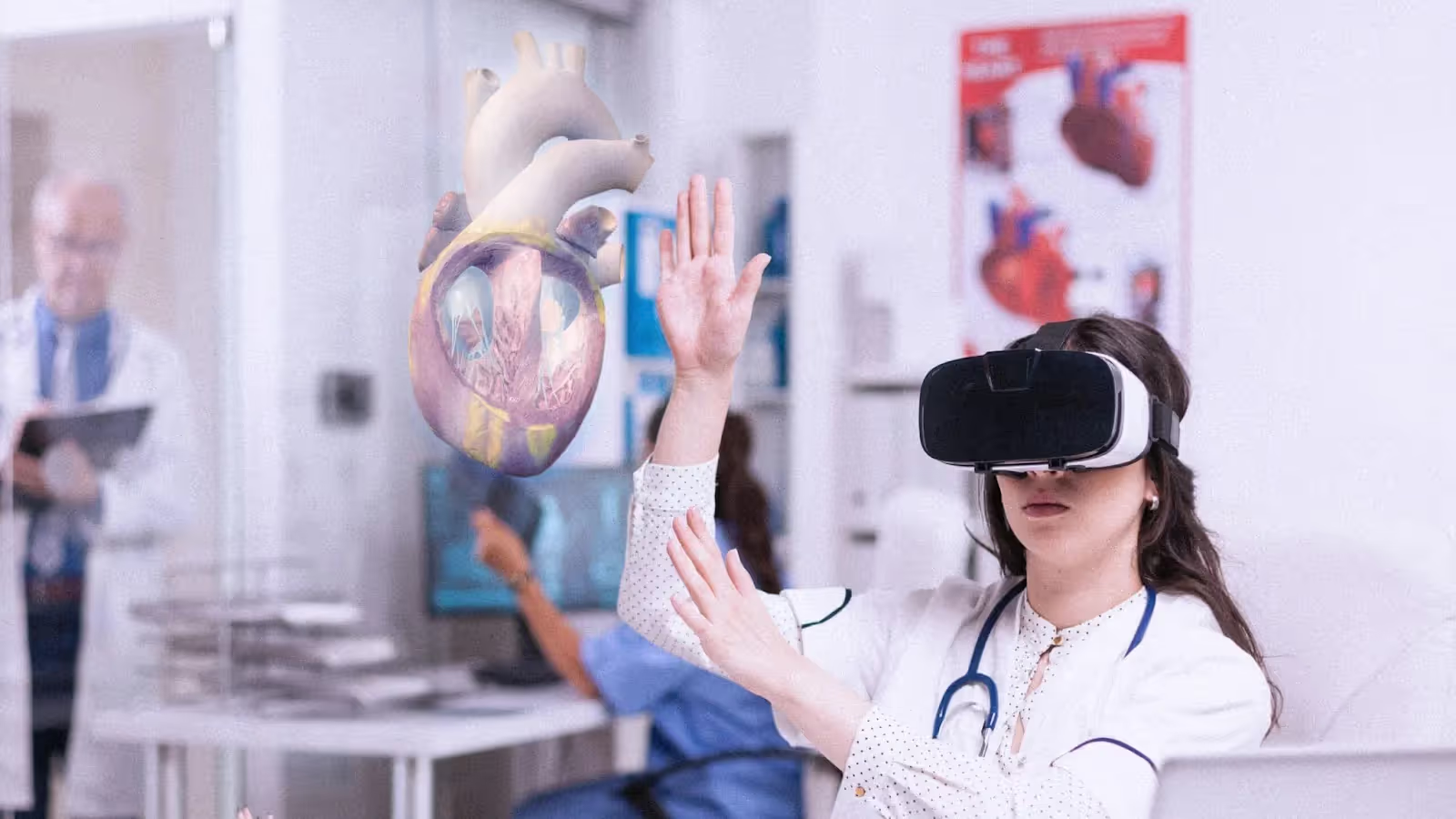
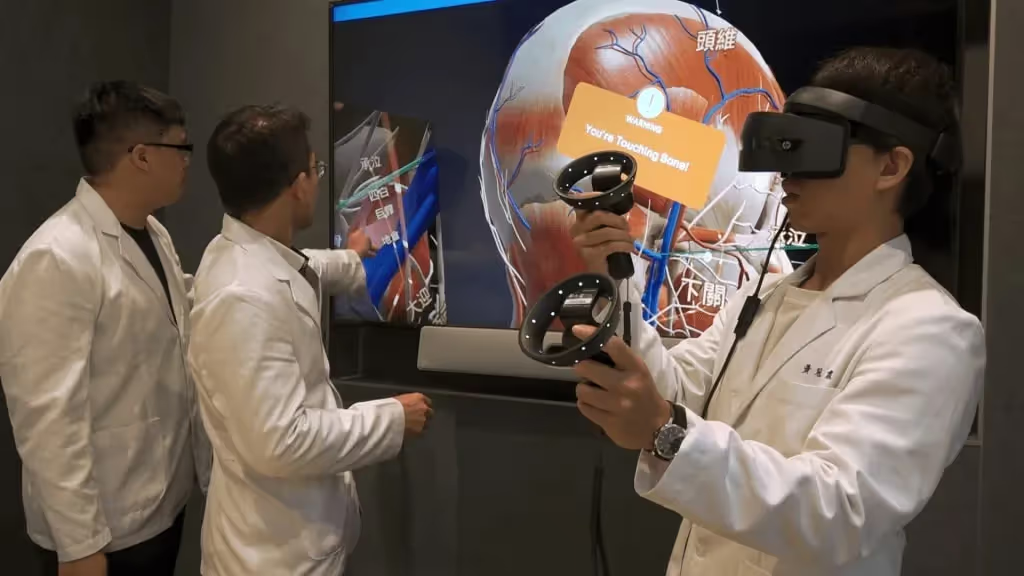
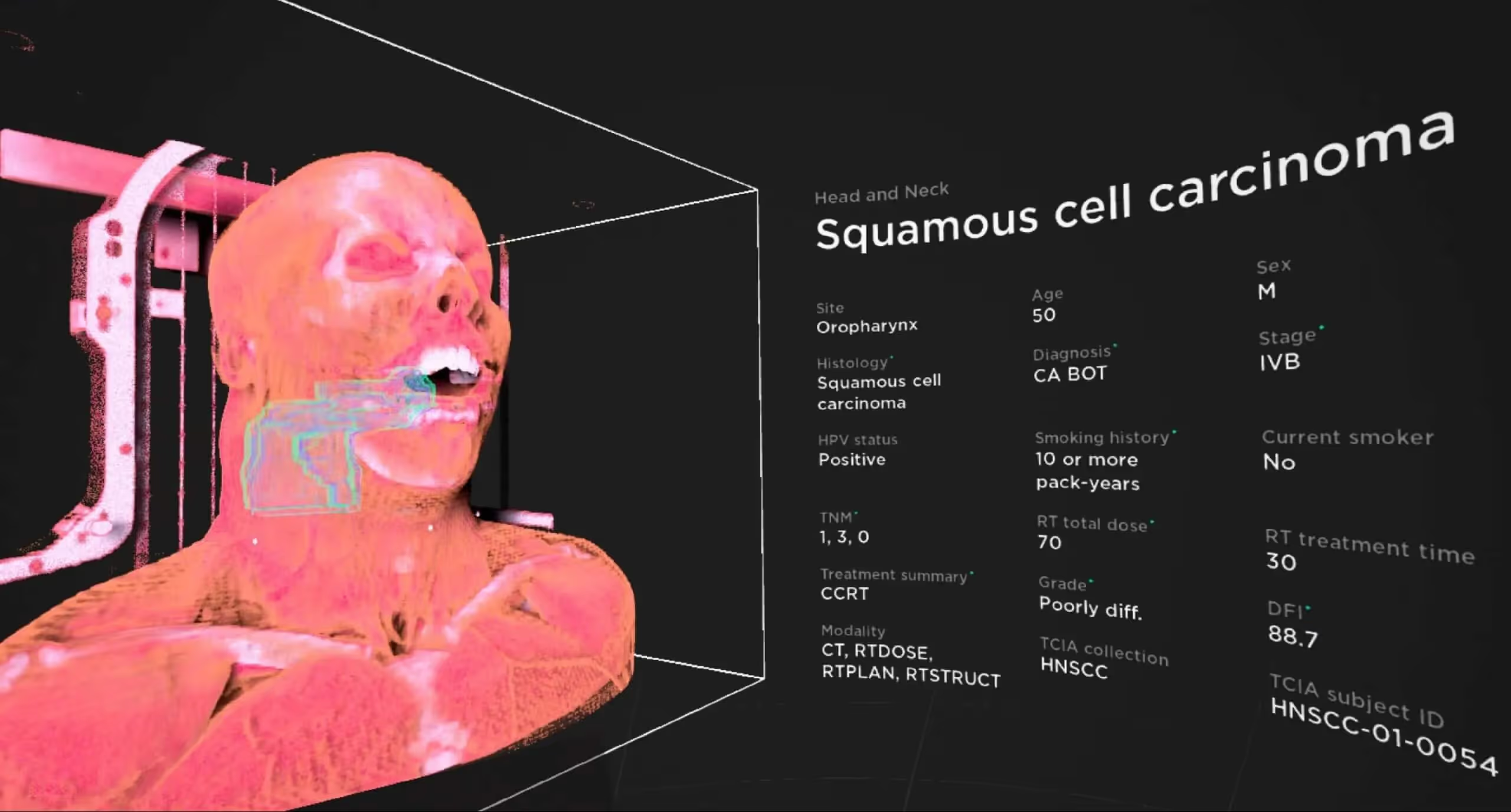
Anatomy software for universities refers to digital platforms that display interactive 3D models of the human body for educational purposes. Rather than flipping through textbook pages or crowding around a plastic model, students can rotate a virtual body, peel back layers of tissue, and zoom into structures as small as individual nerve branches.
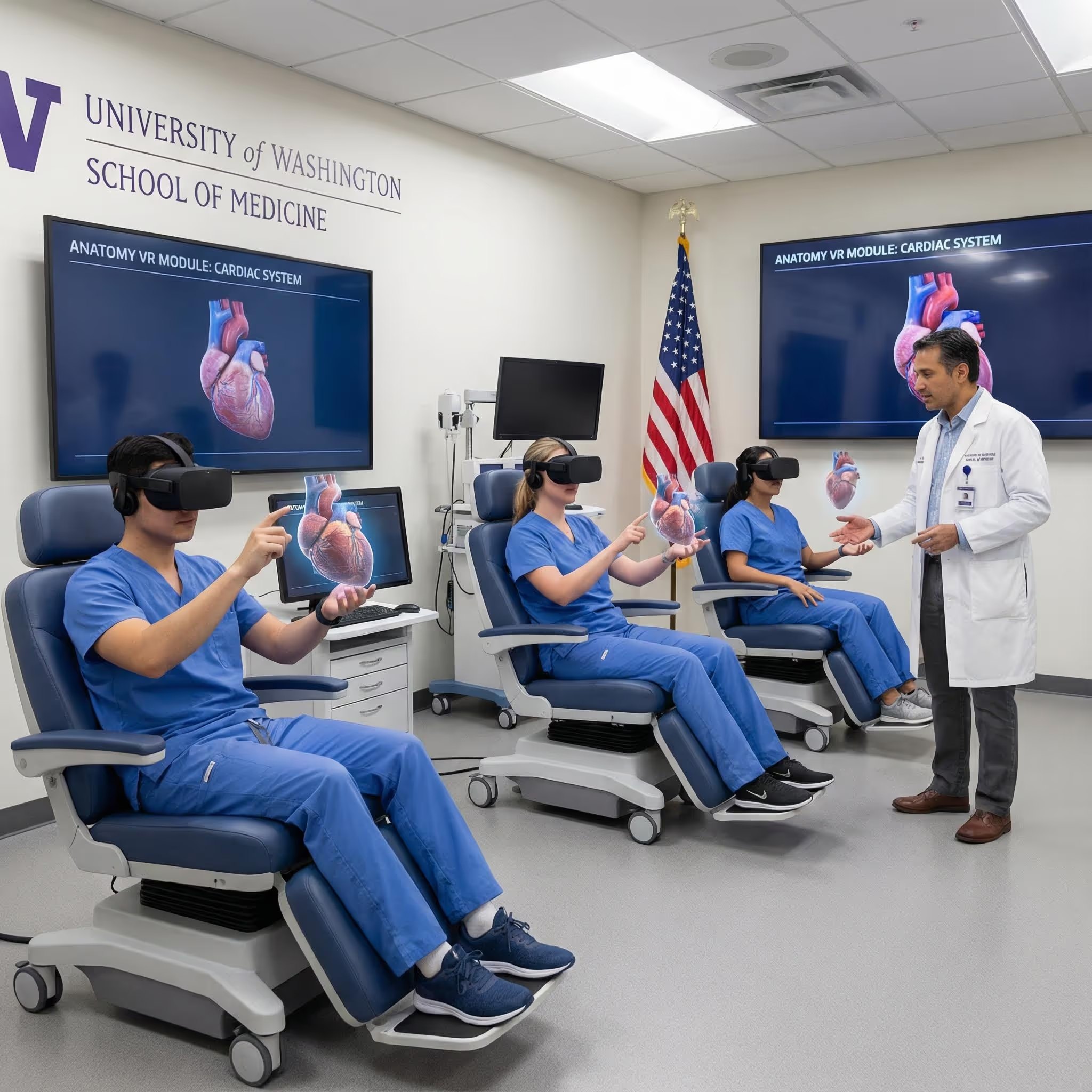
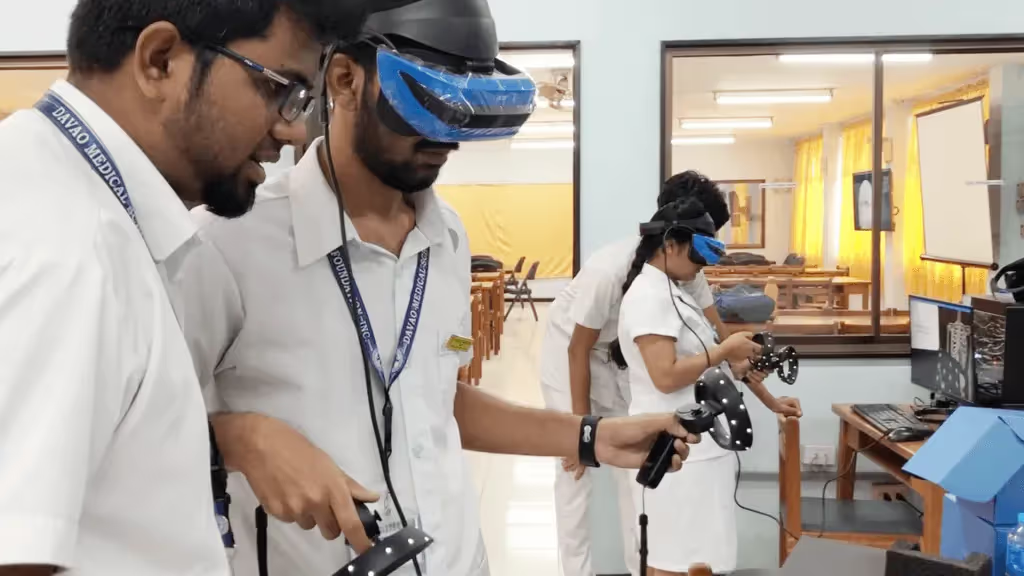
These platforms come in several forms. Some run on desktop computers or tablets, while others are built specifically for VR headsets like Meta Quest or HTC Vive. The key difference from traditional learning tools is interactivity—you can manipulate the virtual body however you want, whenever you want.
For medical schools, nursing programs, and allied health departments, anatomy software has become a way to give every student access to detailed anatomical exploration. Whether you're studying the brachial plexus at 2 AM or reviewing cardiac anatomy before an exam, the virtual body is always available.
Why medical schools are adopting 3D anatomy software
The move toward digital anatomy tools reflects real limitations in how anatomy has traditionally been taught. Let's look at what's driving this shift.
Limitations of textbooks and static models
A textbook shows you anatomy in two dimensions. You see a cross-section of the heart or a lateral view of the skull, but you can't rotate it to see what's behind or underneath. This makes it hard to build a mental picture of how structures actually sit in three-dimensional space.
Plastic models help somewhat, but they're fixed. You can't remove the muscles to see the nerves beneath, or isolate the arterial system to trace blood flow from the aorta to the fingertips. For regions like the pelvis or the cranial base—where many structures occupy a small, complex space—static models fall short.
Reduced cadaver lab access and rising costs
Cadaver labs remain valuable, yet they come with significant constraints. Procuring, preserving, and maintaining cadavers requires dedicated facilities, specialized staff, and ongoing expenses. Many programs share limited lab time among hundreds of students, which means each person might get only a few hours of hands-on dissection per semester.
There's also natural variation between specimens. One cadaver might have clear, well-preserved nerves while another does not. Digital platforms offer consistency—every student works with the same high-quality model.
Student demand for interactive digital tools
Today's students expect to learn on their own schedule, using digital resources they can access from anywhere. Waiting for a scheduled lab session feels increasingly out of step with how people study everything else.
Interactive anatomy programs fit naturally into modern study habits. A student reviewing for a practical exam can open BodyMap VR at midnight and spend an hour exploring the structures they'll be tested on the next day.
How VR and MR anatomy software improves spatial learning
Spatial learning refers to the ability to understand where structures are located and how they relate to each other in three-dimensional space. This skill is fundamental to clinical work—a surgeon operating near the common bile duct, for instance, relies on knowing exactly where the hepatic artery and portal vein sit relative to it.
Visualizing complex anatomical relationships in 3D
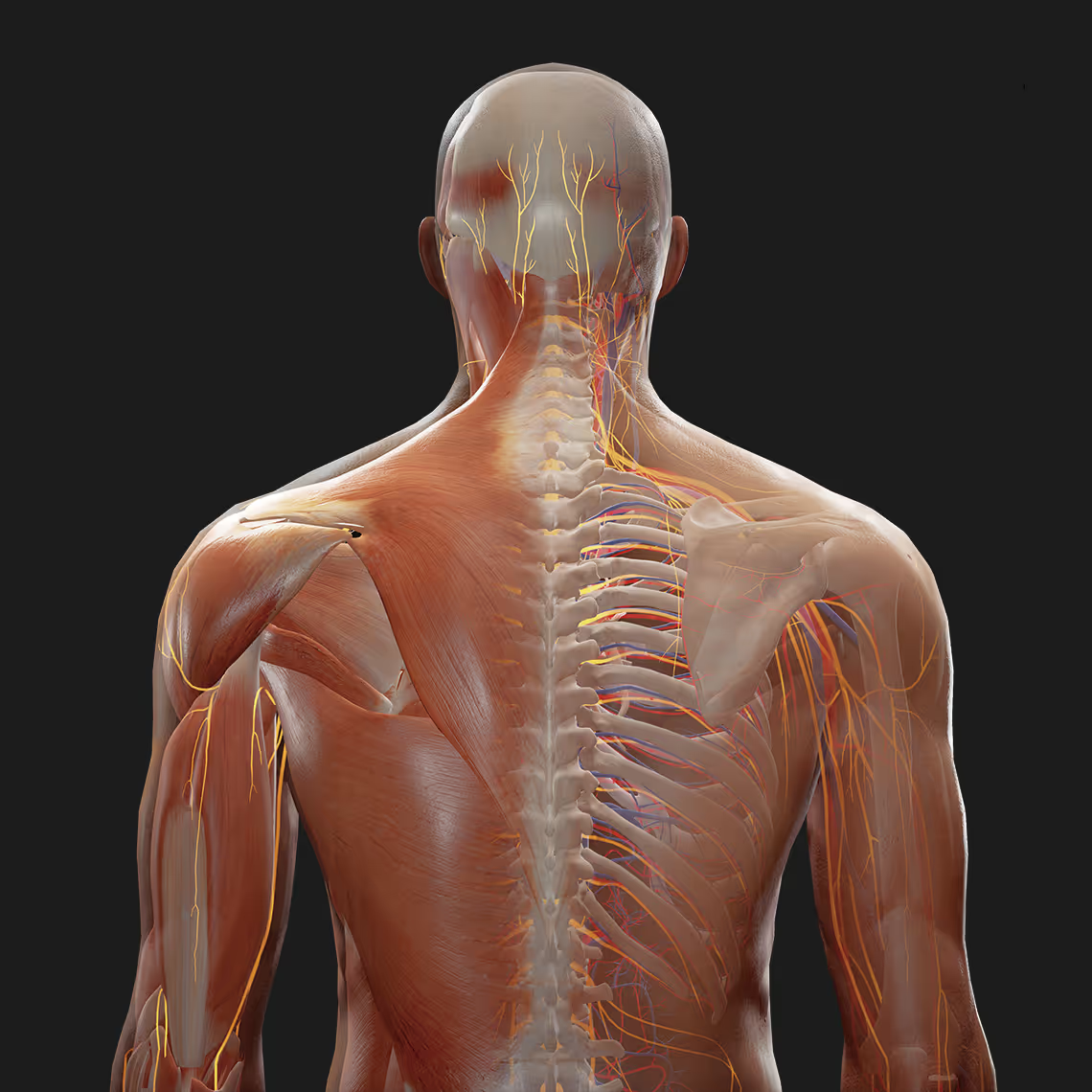
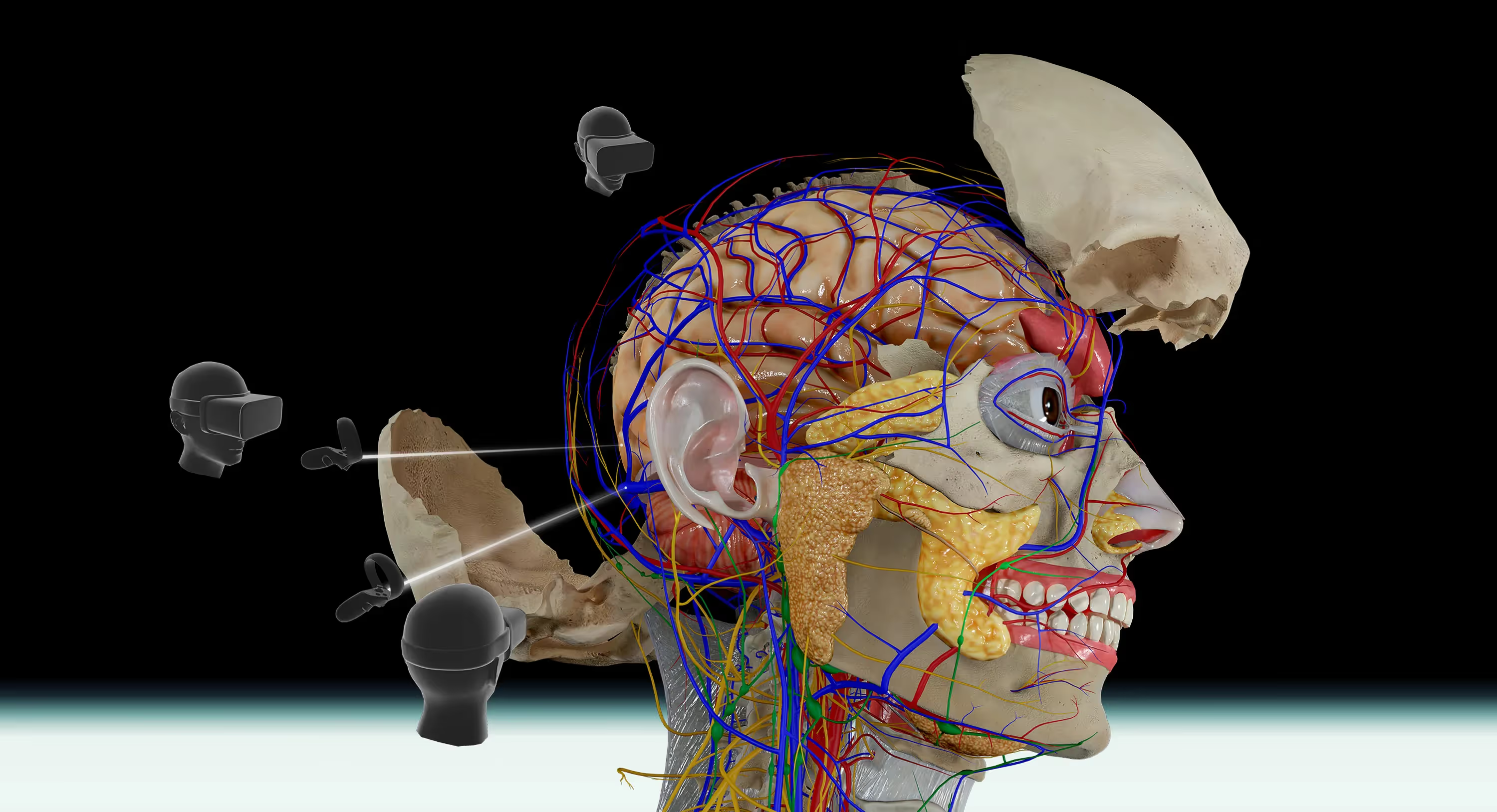
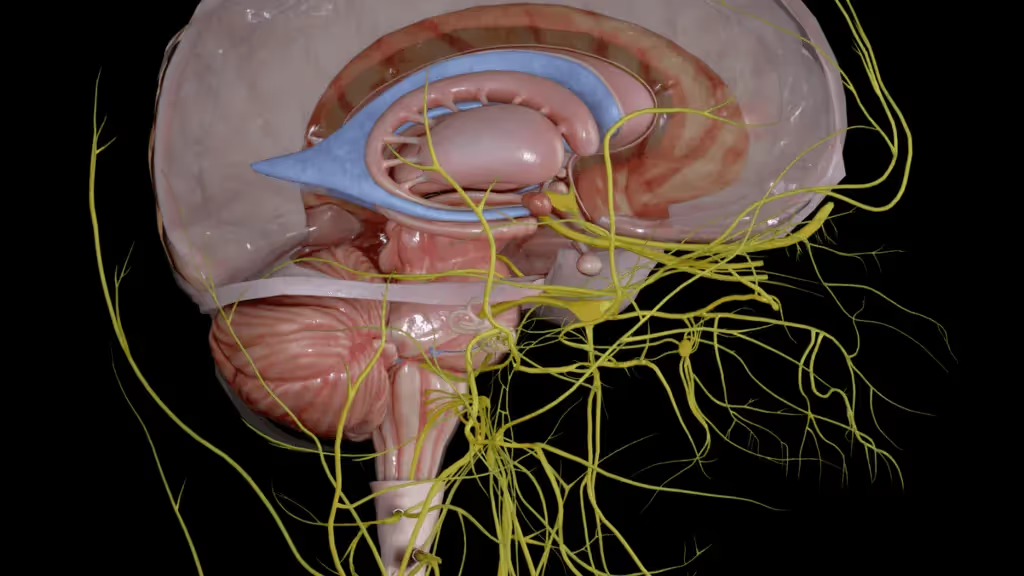
VR anatomy platforms let you examine structures from any angle. You can rotate the skull to see the foramen magnum from below, then flip it to trace how the spinal cord transitions into the brainstem. You can isolate the nervous system and follow a single nerve from its origin in the spinal cord all the way to its terminal branches.
This kind of exploration builds the mental maps that clinicians use during procedures. Instead of memorizing isolated facts from a diagram, you develop an intuitive sense of how the body fits together as a whole.
Higher retention through immersive experiences
When you physically move your head to examine a structure from a new angle, your brain processes that information differently than when you simply look at a picture. Active, embodied learning engages more cognitive pathways than passive reading.
Neuroscience research has shown that the hippocampus—the brain region involved in memory formation—becomes more active when people engage with virtual environments compared to static images. This increased engagement appears to translate into better retention over time.
Safe and repeatable practice without physical labs
In a virtual environment, there are no consequences for mistakes. You can "dissect" the same region dozens of times, trying different approaches and building confidence before working with real tissue.
This repeatability is especially useful for complex regions or rare anatomical variants. A student can practice identifying structures in ways that would be impossible with limited cadaver access, and they can return to difficult areas as many times as needed.
Essential features of anatomical software for higher education
When evaluating anatomy platforms, institutions typically look for several core capabilities:
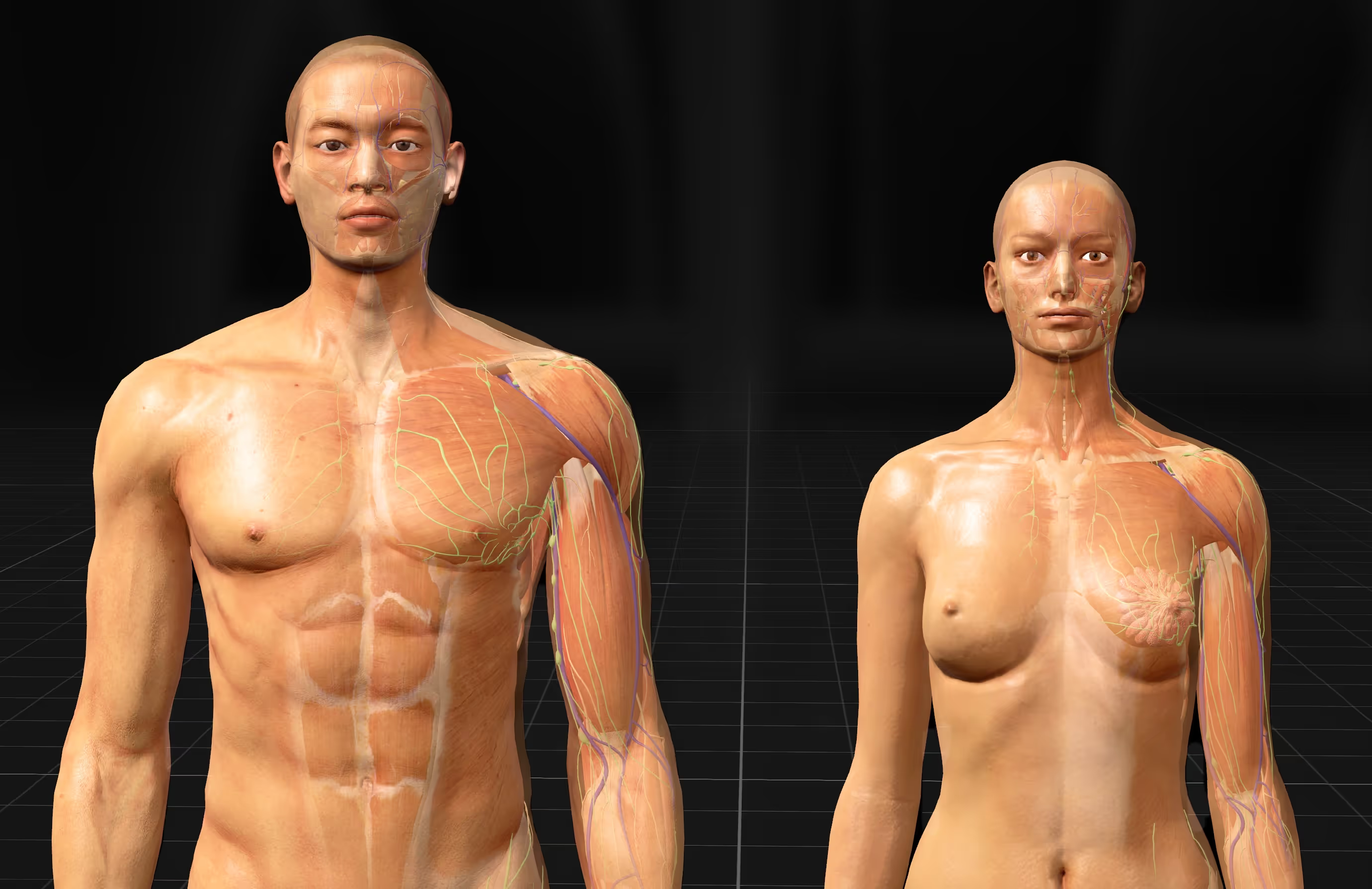
- Accurate and detailed 3D body models: High-fidelity renderings covering all major systems—musculoskeletal, nervous, cardiovascular, respiratory, digestive, and more
- Interactive dissection and layering tools: The ability to add or remove layers, isolate specific systems, and simulate dissection workflows
- Compatibility with multiple devices: Support for VR headsets like Meta Quest and HTC Vive, plus desktop and tablet access for flexibility
- LMS integration: Connection with learning management systems for assignment distribution, progress tracking, and grade syncing
- Built-in assessments: Tools for faculty to create quizzes and knowledge checks aligned with course objectives
Not every program requires every feature. A nursing program might prioritize mobile access for students studying between clinical rotations, while a medical school with dedicated VR labs might focus on immersive capabilities.
Leading anatomy 3D programs for university medical education
Several platforms serve the higher education market, each with distinct strengths and formats:
The right choice depends on your curriculum, existing hardware, and how much emphasis you want to place on immersive learning versus broad device accessibility.
How virtual anatomy platforms compare to traditional cadaver labs
Virtual platforms and cadaver labs serve complementary roles. Here's how they differ across several factors:
Cadavers provide something digital tools cannot replicate—the tactile experience of handling real tissue, feeling the resistance of fascia, and appreciating the weight of organs. Virtual platforms offer scalability and the freedom to practice without consuming limited resources. Most programs benefit from combining both approaches.
Integrating anatomy software into university curricula
Purchasing software licenses is only the first step. Successful implementation requires faculty preparation and thoughtful alignment with learning objectives.
Training faculty on new platforms
Even intuitive software benefits from dedicated onboarding time. Instructors who feel confident with the technology tend to use it more effectively and can guide students through features they might otherwise overlook.
MAI and other vendors typically provide training resources, documentation, and ongoing support. Some offer live workshops or recorded tutorials that faculty can revisit as they become more comfortable with the platform.
Aligning software with course objectives
The goal is to make the technology serve your curriculum rather than the other way around. This means mapping specific software features to specific learning outcomes.
For example, interactive dissection modules might align with gross anatomy units, while system-specific views could support physiology integration. Quiz features can reinforce the same structures and relationships covered in lectures and labs.
Tracking student progress and outcomes
Built-in analytics and LMS integration allow faculty to monitor engagement, quiz performance, and time spent with different modules. This data can help identify students who are struggling early in the semester, before exam scores reveal the problem.
Over time, tracking outcomes also helps demonstrate the platform's impact on learning—useful information for program reviews and accreditation.
How to select the best virtual anatomy platform for your institution
Choosing the right platform involves weighing several factors against your specific situation:
- Curriculum fit: Does the platform cover the anatomical systems and depth your programs require? Some platforms emphasize musculoskeletal anatomy while others offer broader coverage.
- Hardware requirements: What devices do students and labs already have? What additional investment would be needed for VR headsets or upgraded computers?
- Scalability: Can the platform support your student population with appropriate licensing models? Some vendors offer site licenses while others charge per user.
- Evidence of efficacy: Has the vendor partnered with institutions to study learning outcomes? Research-backed platforms can provide more confidence in their educational value.
- Support and training: What onboarding, documentation, and ongoing support does the vendor provide? Responsive support matters, especially during initial rollout.
One practical approach is to request a trial period before committing to a full institutional license. This lets faculty and students evaluate the platform in real teaching contexts and identify any issues before they affect an entire cohort.
Start a free trial of the BodyMap anatomy platform
Start exploring anatomy in VR with a free trial
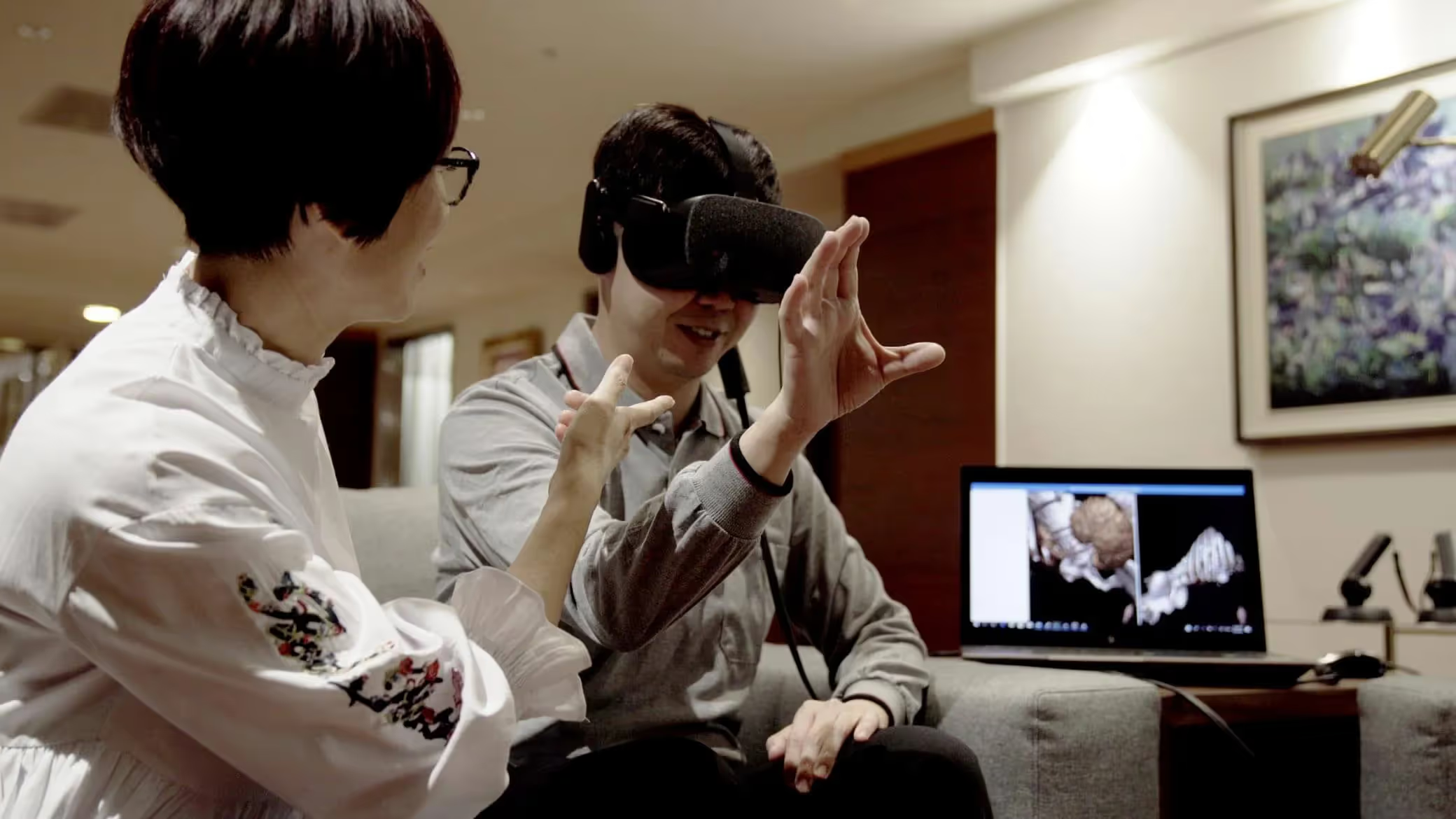
The best way to understand how immersive anatomy software fits into your program is to try it yourself. BodyMap VR provides a detailed virtual body that students and instructors can explore together, building the spatial understanding that clinical practice demands.
Start a free trial of the BodyMap anatomy platform
FAQs about anatomy software for universities
Is anatomy software compliant with student data privacy regulations?
Most reputable vendors comply with FERPA and institutional data security requirements. However, compliance varies by platform and deployment method, so it's worth confirming specific certifications with each vendor during the evaluation process.
What accessibility features should universities look for in anatomy platforms?
Useful accessibility features include adjustable text size, colorblind modes, closed captions on video content, and compatibility with assistive technologies. VR platforms present unique challenges for students who cannot use headsets, so it's worth asking whether the vendor offers alternative access methods.
How long does faculty onboarding typically take for new anatomy software?
Most instructors become comfortable with core features within a few training sessions over one to two weeks. More advanced capabilities—like creating custom quizzes or integrating with an LMS—may take additional practice over several weeks.
Can anatomy software support interprofessional education across health sciences programs?
Yes, many platforms include content relevant to nursing, physical therapy, occupational therapy, and other allied health disciplines. This makes them suitable for shared courses or interprofessional labs where students from different programs learn anatomy together.
Begin your VR anatomy journey today, sign up for a 7-day free trial.
Curriculum Integration Guides
Learn how to navigate the 3D model and utilize the tools to master human anatomy—all in one place.
.jpeg)

.avif)
.avif)




The Benefits of Acupuncture for Pain Relief

The Importance of Regular Exercise for Mental Health
The Benefits of Meditation for Stress Reduction
The Importance of a Balanced Diet for Overall Health
The Benefits of Yoga for Mind and Body
The Benefits of Meditation for Stress Reduction