
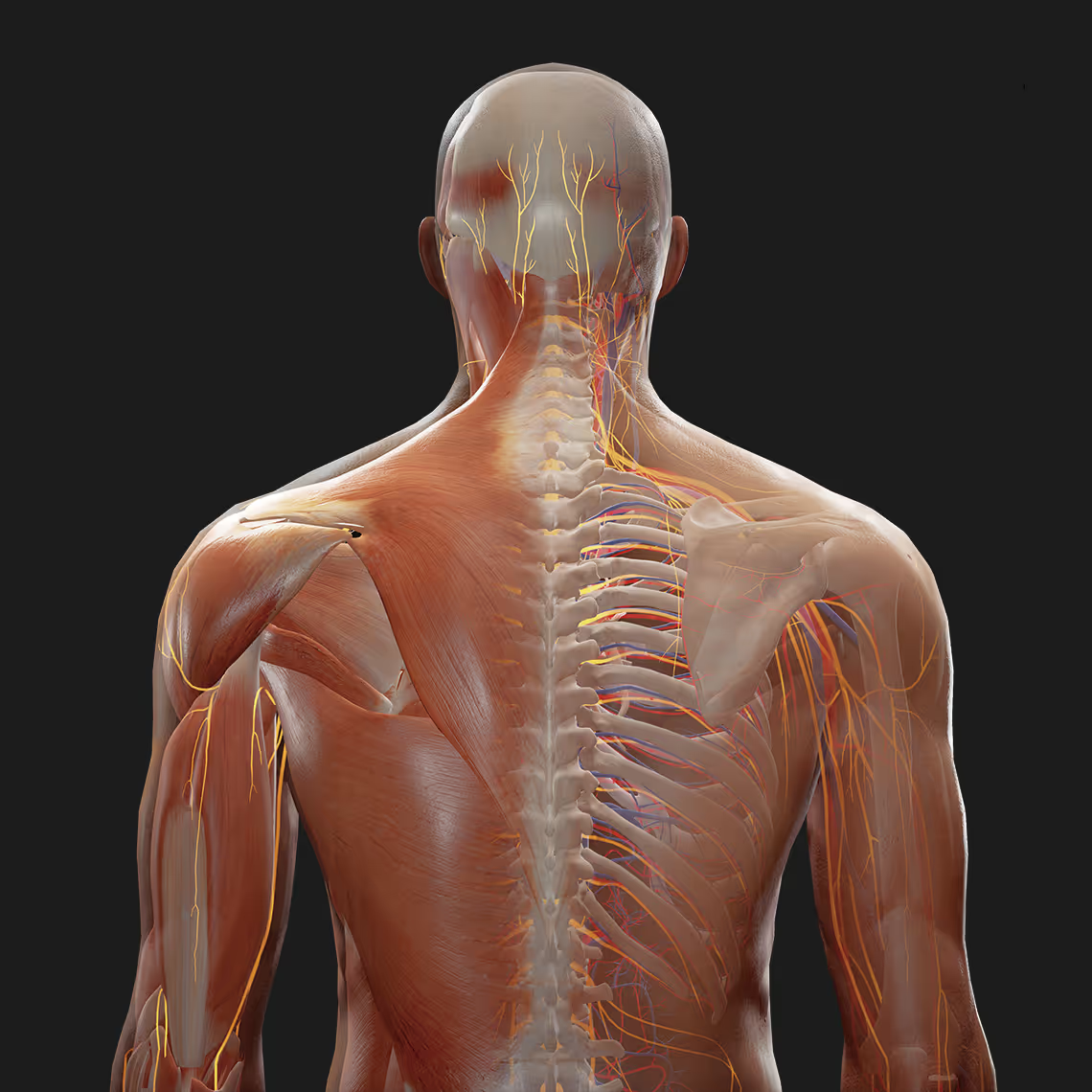
Anatomy textbooks show you where structures are. They struggle to show you how everything fits together in three-dimensional space, the kind of spatial awareness you actually need in clinical practice.
Human body map apps solve this problem by letting you explore interactive 3D anatomical models on your phone, tablet, computer, or VR headset. This guide covers the best anatomy apps available for medical students, what features matter most, and how to choose the right one for your learning goals.
Quick answers
What is the best VR body map app for medical students?
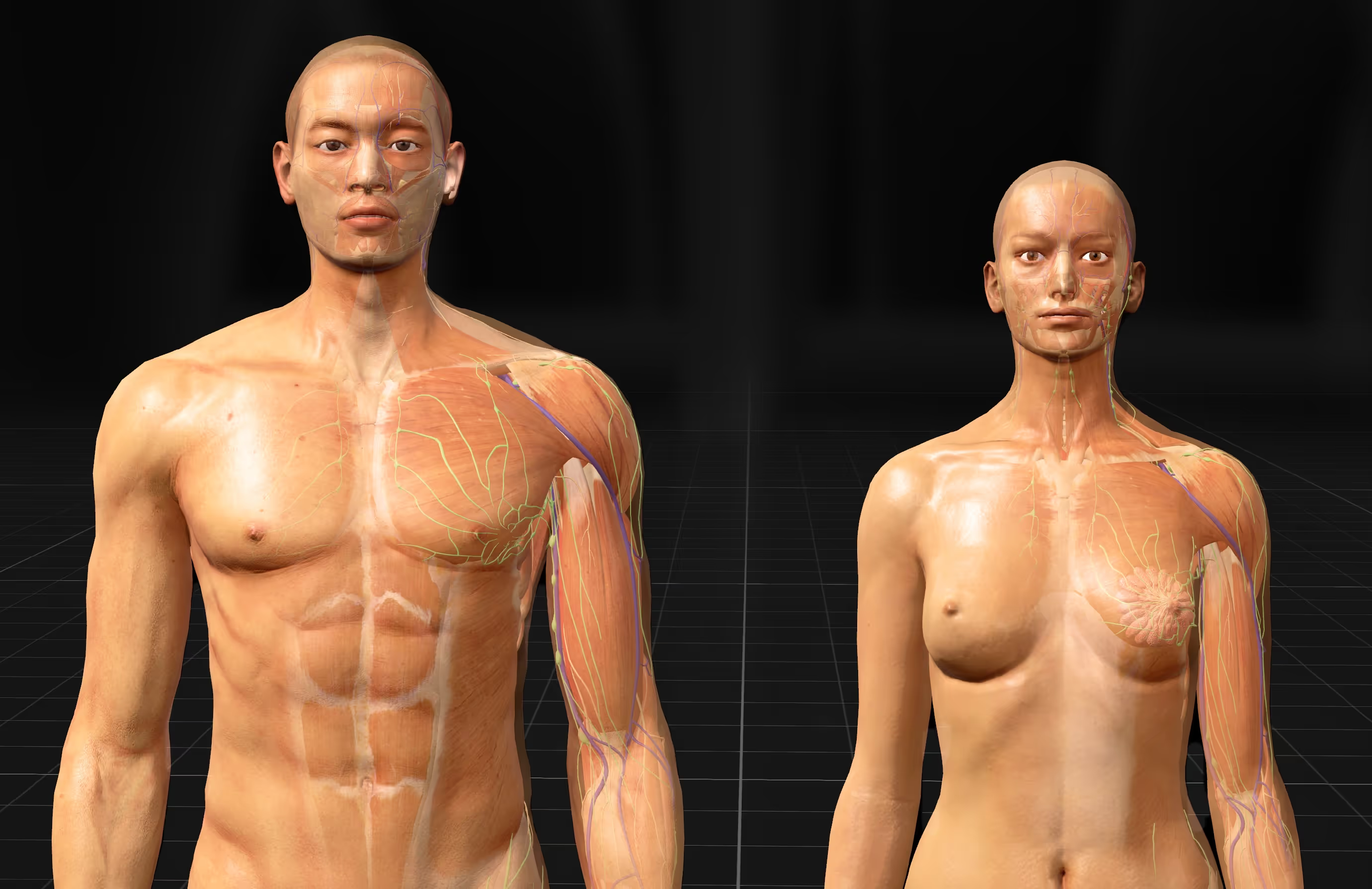
BodyMap by MAI is a VR-native anatomy platform built for headsets like Meta Quest and HTC Vive, with over 8,000 anatomical structures across 12 body systems and both male and female models. Unlike screen-based apps, it lets you study anatomy at life-size scale and manipulate structures with your hands.
What is a human body map app?
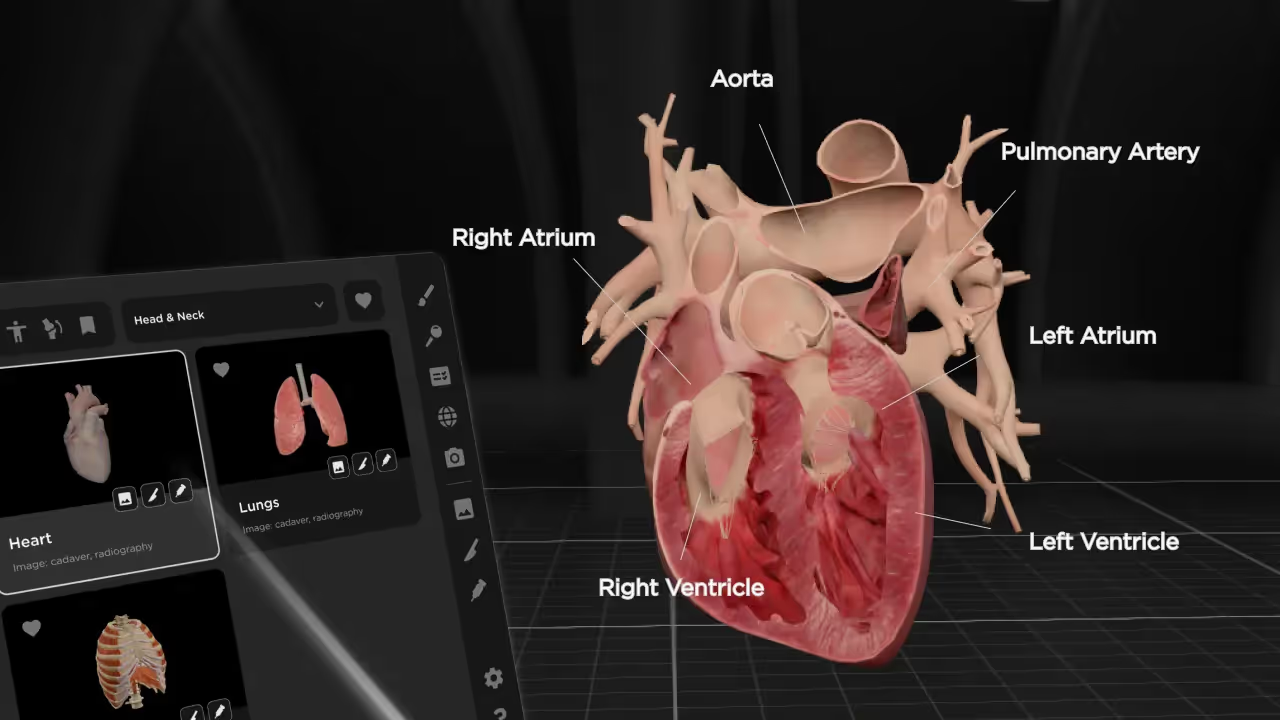
A human body map app is an interactive digital tool that displays 3D anatomical models on a phone, tablet, computer, or VR headset. It lets you rotate, zoom, and dissect virtual anatomy, peeling back layers from skin to skeleton without stepping into a cadaver lab.
Do I need a VR headset to use a body map app?
No. Most anatomy apps, including Complete Anatomy, Visible Body, and BioDigital Human, run on a phone, tablet, or desktop. A headset is only required for VR-native platforms such as BodyMap by MAI and 3D Organon.
What is a human body map app
Human body map apps are interactive digital tools that display 3D anatomical models on your phone, tablet, computer, or VR headset. They let you rotate, zoom, and dissect virtual anatomy, peeling back layers from skin to skeleton without stepping into a cadaver lab.
Think of them like Google Maps, but for the human body.
Just as you might explore a new neighborhood by zooming in on streets and landmarks, anatomy apps let you navigate through body systems, isolate specific structures, and see how everything connects in three-dimensional space. You can trace a nerve from its origin to its endpoint, or strip away muscle to reveal the bones underneath.
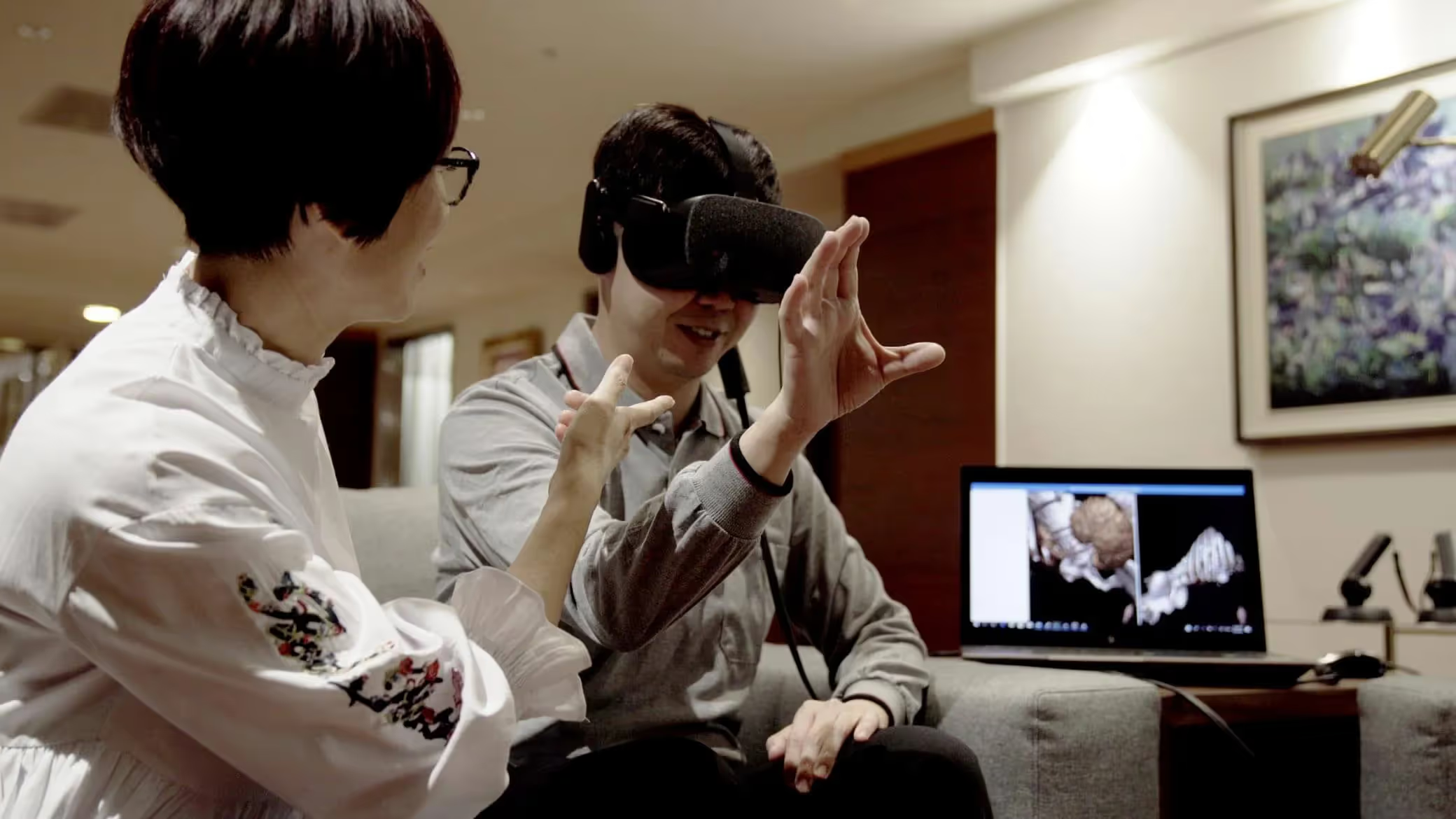
Most apps work across multiple devices. Some newer platforms also support virtual reality headsets, which takes the experience from looking at a screen to actually standing inside the anatomy you're studying.
Why medical students need human anatomy 3D model apps
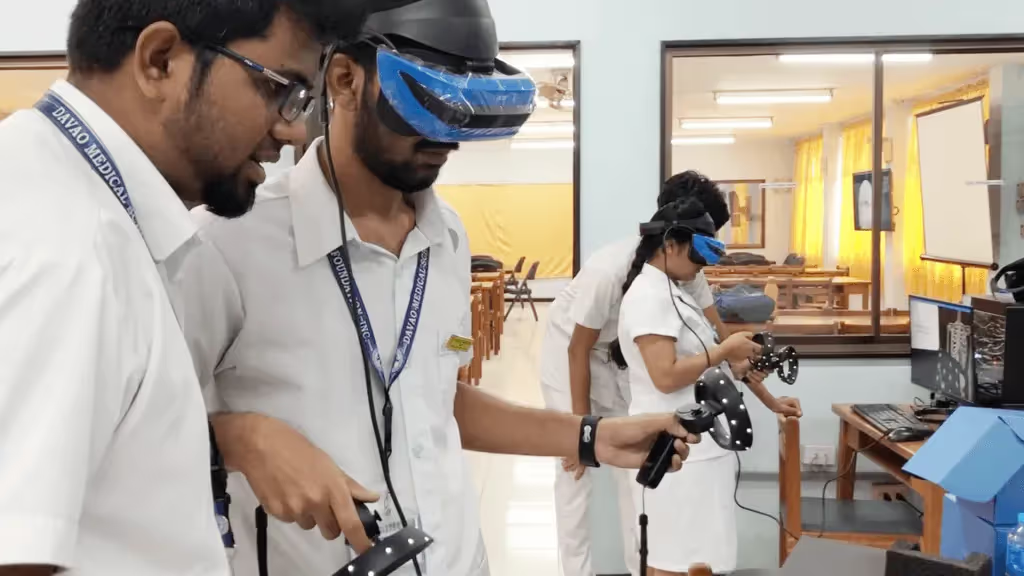
Traditional anatomy education relies on textbooks, 2D diagrams, and limited cadaver lab time. While these methods have trained generations of physicians, they come with real constraints.
Visualizing spatial relationships between body structures
The human body is a complex mass of interlocking organs, nerves, muscles, and vessels—all working together in three-dimensional space. Knowing where structures sit relative to each other is fundamental to clinical practice.
A 2D diagram can show you that the brachial plexus exists. However, it struggles to convey how those nerve bundles weave between the clavicle and first rib.
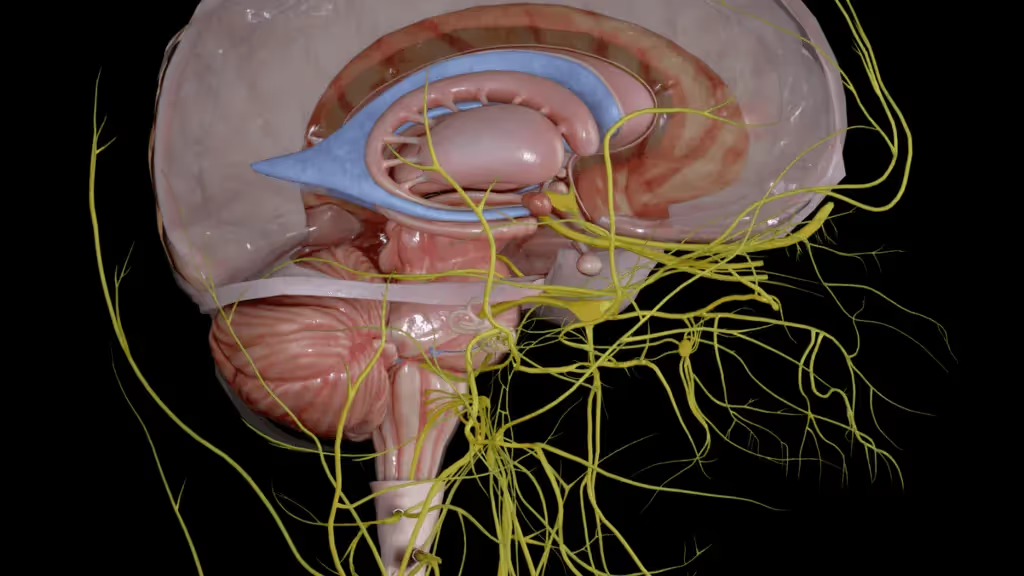
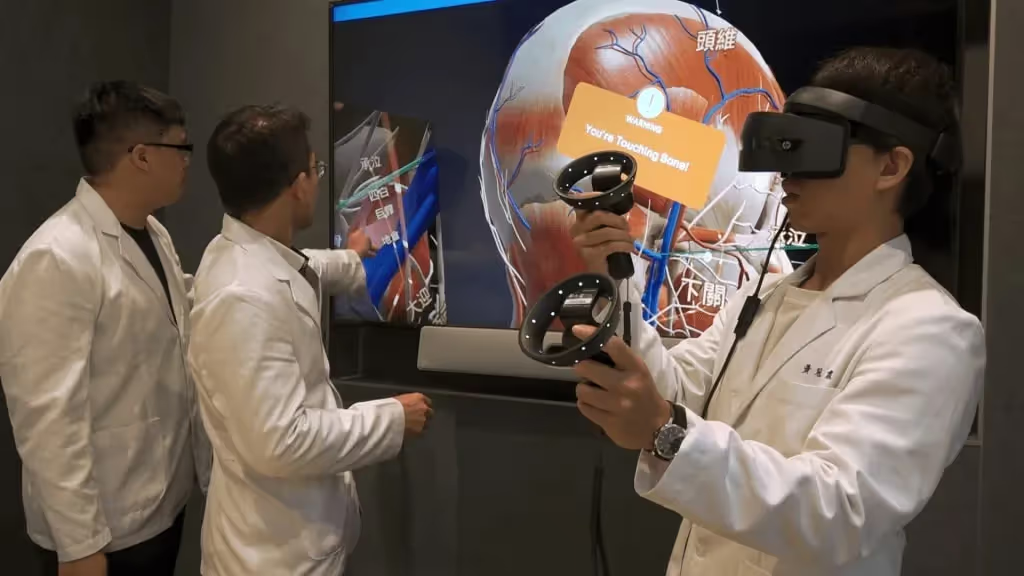
With a 3D model, you can rotate the view, trace a nerve from origin to endpoint, and grasp why certain surgical approaches matter. The spatial context makes the difference between memorizing a name and actually knowing where something is.
Supplementing limited cadaver lab access
Cadaver labs are expensive to maintain and often oversubscribed. You might get a few hours per week with a specimen that costs $2,000-$3,000, shared among dozens of classmates.
3D anatomy apps offer unlimited, repeatable access. You can study the same structure at 2 AM before an exam or revisit a concept months later during clinical rotations—no scheduling conflicts, no preservation concerns.
Improving retention through interactive learning
Passive reading tends to fade quickly from memory. Active manipulation of 3D models—rotating a heart, peeling back muscle layers, tracing a vessel—creates stronger mental maps.
You're not just memorizing names. You're building spatial awareness that sticks with you into clinical practice.
Key features to look for in anatomy 3D apps
Not all anatomy apps offer the same capabilities, though 97% of medical students find 3D software superior to plastic models. When evaluating your options, a few features make a real difference in how useful the app will be for serious study:
- Interactive 3D navigation: The ability to rotate, zoom, and pan models from any angle helps you see spatial relationships that flat images cannot show.
- Layered body visualization: Apps that let you peel back layers from skin to skeleton, or apply transparency to see through structures, give you more control over what you're examining.
- Search and bookmarks: Finding specific structures quickly saves study time, and saving views helps you return to challenging areas later.
- Quiz and assessment tools: Built-in testing features help you gauge your knowledge before exams.
- Device compatibility: Consider whether you want mobile access, desktop functionality, or VR headset support.
Best human body 3D anatomy apps for medical students
Here's a comparison of the leading anatomy apps:
Complete Anatomy by 3D4Medical
Complete Anatomy offers one of the most comprehensive model libraries available, with detailed dissection simulations and course creation tools. Many medical schools have adopted it as part of their official curriculum.
The platform excels at guided learning paths and includes extensive lecture content. It's primarily screen-based, which works well for traditional study but limits spatial immersion.
Visible Body Human Anatomy Atlas
Visible Body combines detailed anatomical models with integrated quiz features and premade courses. The structured learning paths make it popular among students preparing for specific exams.
The app offers good value for its breadth of content. Like Complete Anatomy, it's designed for flat screens rather than immersive environments.
BioDigital Human
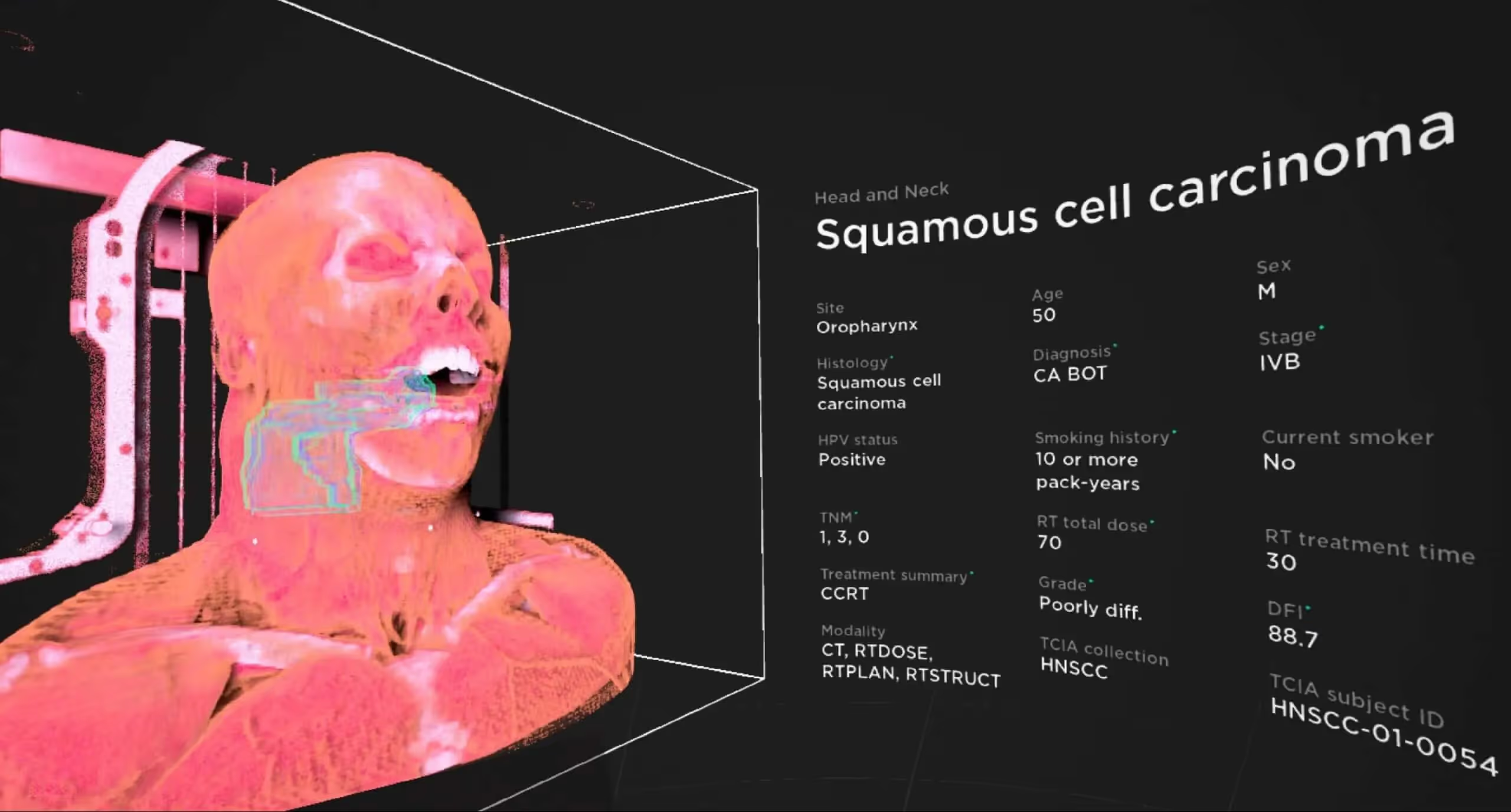
BioDigital takes a different approach by focusing on disease and condition visualization alongside normal anatomy. This makes it especially useful for seeing pathology in clinical context.
As a cloud-based platform, it requires an internet connection but works across devices without large downloads. The free tier provides basic access, though full functionality requires a subscription.
Anatomy 3D Atlas
For students on a tight budget, Anatomy 3D Atlas offers a perpetual license rather than ongoing subscription fees. The interface is straightforward, making it a good entry point for those new to 3D anatomy learning.
The free version includes complete skeletal system access, so you can evaluate the platform before committing to the full purchase.
BodyMap by MAI
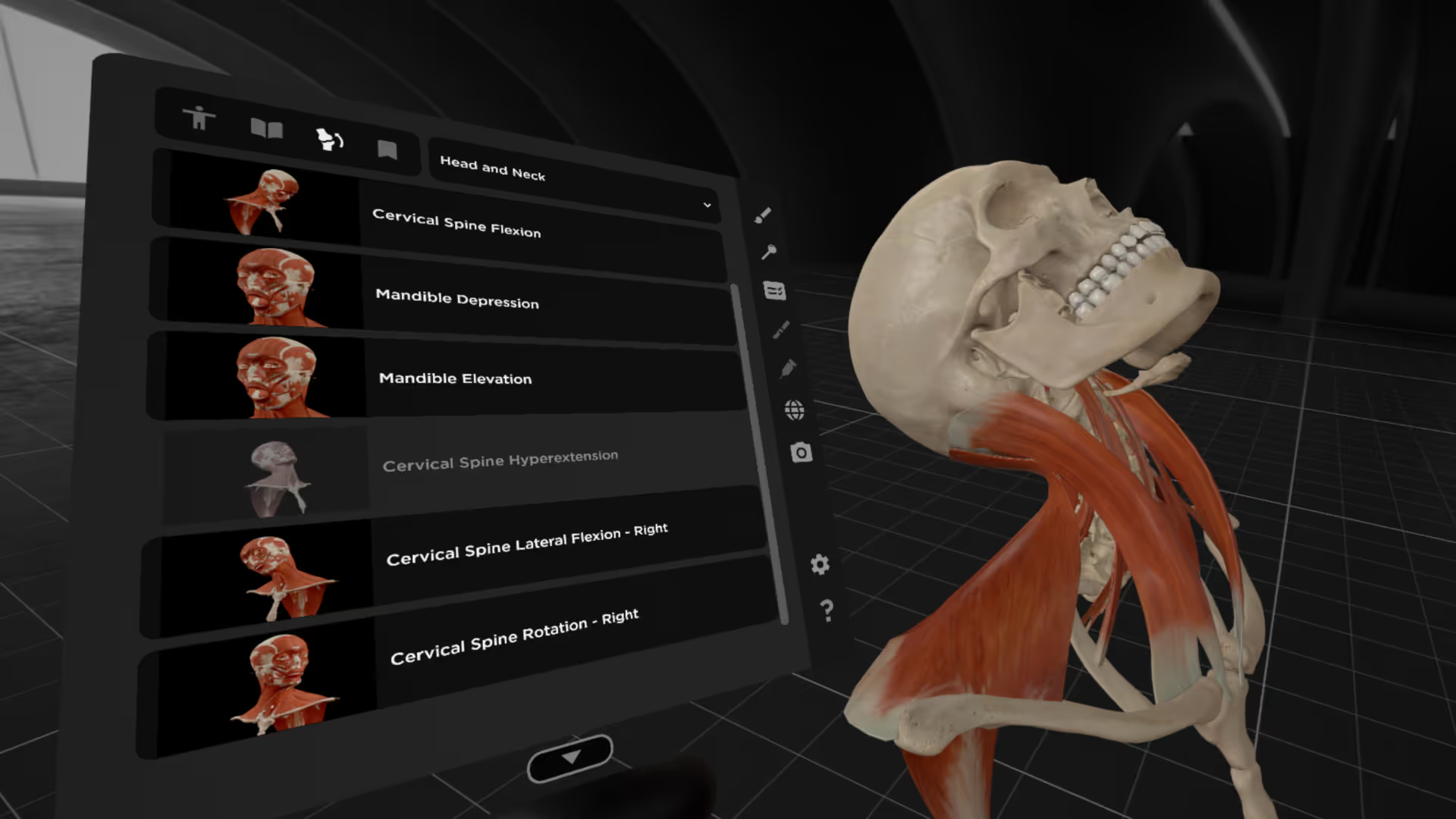
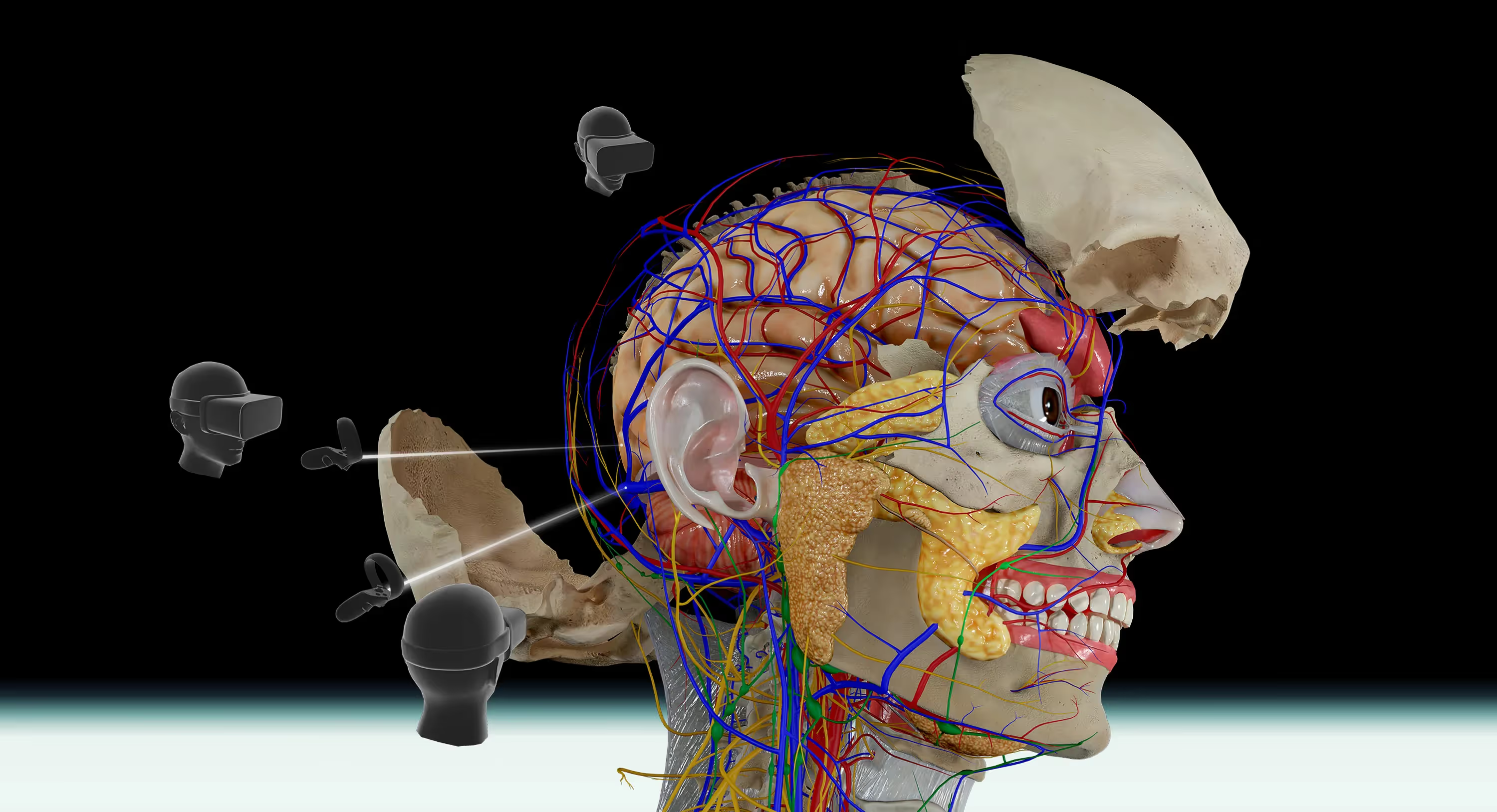
BodyMap takes a fundamentally different approach by designing specifically for virtual reality headsets like Meta Quest and HTC Vive. Rather than viewing anatomy on a screen, you stand inside a life-size body and manipulate structures with your hands.
The platform includes over 8,000 anatomical structures across male and female models and 12 body systems, plus multiplayer functionality for virtual study groups. It runs on a subscription with a 7-day free trial, and is best suited to students who want to build spatial awareness through immersive, hands-on study rather than screen-based review.
3D Organon
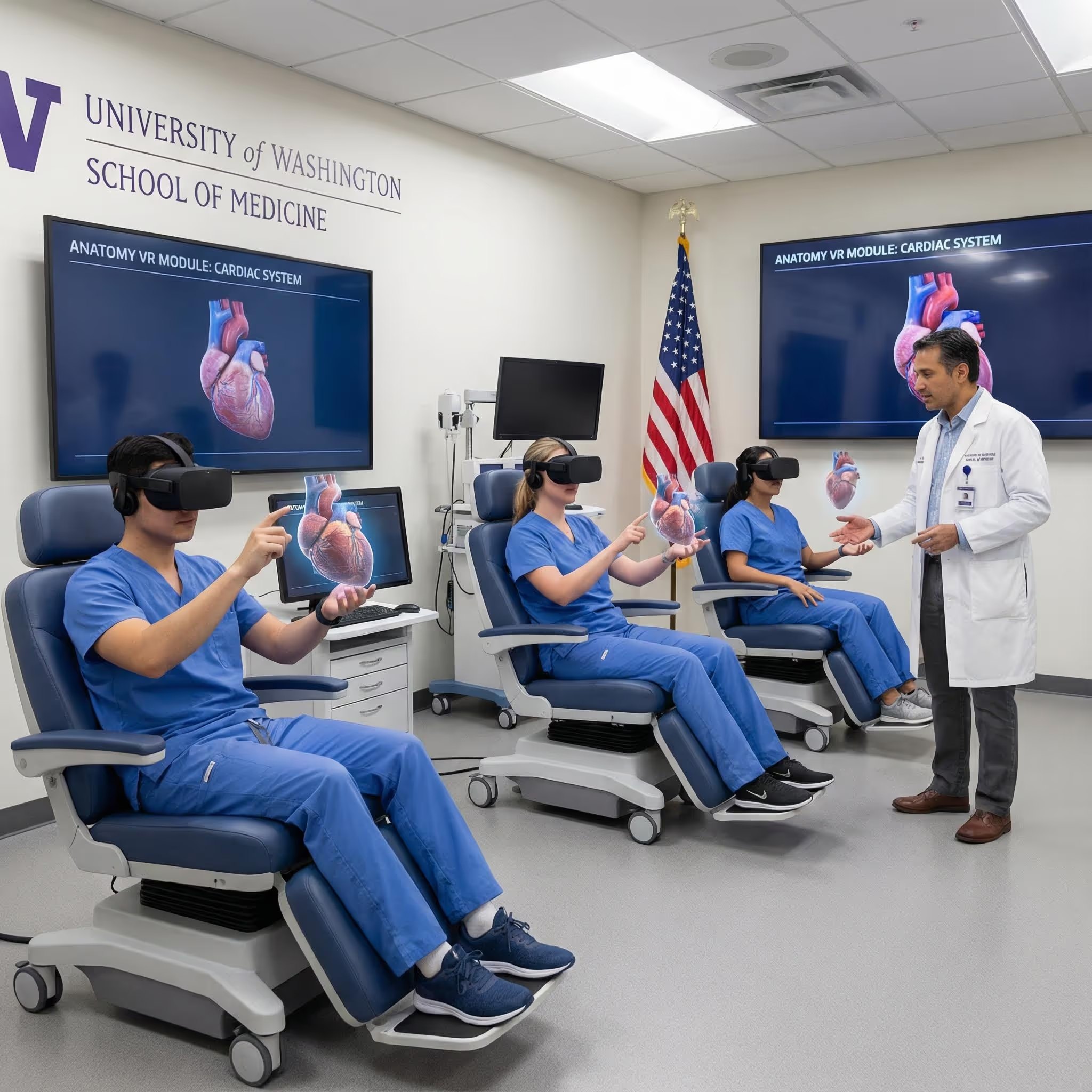
3D Organon bridges desktop and VR learning, offering both modes within a single platform. The systems-based approach organizes content logically for curriculum alignment.
This flexibility makes it a reasonable choice for institutions transitioning toward VR but not yet ready to commit fully to immersive learning.
Free vs paid human body anatomy model apps
Budget matters, especially for students. Knowing what you get at different price points helps you make informed decisions.
Best free human anatomy apps
Several platforms offer meaningful free access:
- Anatomy 3D Atlas: Complete skeletal system and select models at no cost
- BioDigital Human: Basic anatomy access with a limited content library
- Zygote Body: Free online 3D anatomy atlas for quick reference
Free versions typically restrict you to the skeletal system, with muscular, nervous, and other systems locked behind paywalls. For introductory exploration, this might be sufficient. For serious medical study, you'll likely want more.
Premium features worth the investment
Paid versions unlock capabilities that enhance learning significantly:
- Full body systems: Access to muscular, nervous, cardiovascular, and other systems beyond the skeleton
- Quiz and assessment tools: Test your knowledge with built-in features before exams
- Offline access: Study without internet connectivity
- Advanced annotations: Add notes and customize views for your specific learning approach
Many students find that one comprehensive paid app serves them better than juggling multiple free alternatives with limited features.
How VR enhances body visualization for anatomy learning
Virtual reality represents a shift in how anatomy can be learned. The difference between viewing a 3D model on a screen and standing inside one is substantial.
Immersive human body 3D experiences
In VR, anatomical structures appear at life-size scale around you. You can walk around a heart, reach out to trace a nerve pathway, or step inside the thoracic cavity to see spatial relationships from the inside.
This isn't just novelty—it's a different cognitive experience.
Clicking and dragging on a screen engages different mental processes than physically moving through space and manipulating objects with your hands. When you reach out to grab a structure and rotate it, your brain processes that information differently than when you scroll with a mouse.
Spatial memory and long-term retention benefits
Immersive environments engage spatial memory systems that flat screens cannot access. When you physically navigate through anatomy, you're building the same kind of mental maps you use to remember your way around familiar buildings.
The body remembers what it experiences in space. Walking around a virtual heart creates a different kind of memory than looking at one on a screen—the spatial context becomes part of what you remember.
How to choose the right anatomy app for your learning goals
With multiple strong options available, selecting the right app depends on your specific situation:
- Budget: Free tiers work for casual exploration, but serious study typically requires paid access. Subscriptions spread costs over time, while one-time purchases may save money long-term.
- Device access: What hardware do you already have? Phone-only learners have different options than those with VR headsets.
- Learning goals: Exam preparation, clinical skills development, and general exploration each favor different platforms.
- Course requirements: Some programs recommend or require specific apps. Check with your institution before purchasing.
- VR interest: If immersive spatial learning appeals to you, prioritize platforms with headset support.
The "best" app is the one you'll actually use consistently. A simpler platform you engage with daily beats a comprehensive one that sits unused on your device.
Explore human anatomy in VR with BodyMap
If you're curious about what immersive anatomy learning feels like, BodyMap offers a way to explore the human body in virtual reality with over 8,000 detailed structures across male and female models and 12 body systems.
The platform works with Meta Quest and HTC Vive headsets, letting you study anatomy at life-size scale and build spatial awareness through hands-on interaction.
Start a free trial of the BodyMap VR anatomy platform
FAQs about human body map apps
What is the best free human anatomy app?
Anatomy 3D Atlas offers free access to the complete skeletal system and select anatomical models. For students exploring 3D anatomy learning without financial commitment, it's a solid starting point before deciding whether to invest in a paid platform.
Can human body map apps be used offline?
Some apps like Anatomy 3D Atlas support offline use after downloading content. Cloud-based platforms like BioDigital Human require an internet connection for full functionality, so check before relying on an app for study sessions without wifi.
Do human body map apps work with VR headsets?
Several anatomy apps support VR headsets for immersive learning. BodyMap by MAI and 3D Organon both work with Meta Quest and HTC Vive devices, offering life-size anatomical exploration rather than screen-based viewing.
Which human body map app is best for nursing students?
Visible Body and Complete Anatomy both offer clinical context and quizzing features that align well with nursing curriculum requirements. The structured learning paths in both platforms help with exam preparation and practical application.
Are human body map apps accurate enough for medical school exams?
Major anatomy apps like Complete Anatomy and Visible Body are developed with input from anatomists and used by accredited medical programs worldwide. They're designed to support formal anatomy education, though they work best alongside—not instead of—your course materials and lab time.
Begin your VR anatomy journey today, sign up for a 7-day free trial.
Student Success & Study Hacks
Learn how to navigate the 3D model and utilize the tools to master human anatomy—all in one place.
.jpeg)
.avif)

.avif)
.avif)







The Benefits of Acupuncture for Pain Relief

The Importance of Regular Exercise for Mental Health
The Benefits of Meditation for Stress Reduction
The Importance of a Balanced Diet for Overall Health
The Benefits of Yoga for Mind and Body
The Benefits of Meditation for Stress Reduction